Riso 101: Private / Individual
Intro to Riso Printing
This class is a private workshop for
1 to 4 people.
3-4 hours (depending on group size)
1 to 4 people.
3-4 hours (depending on group size)
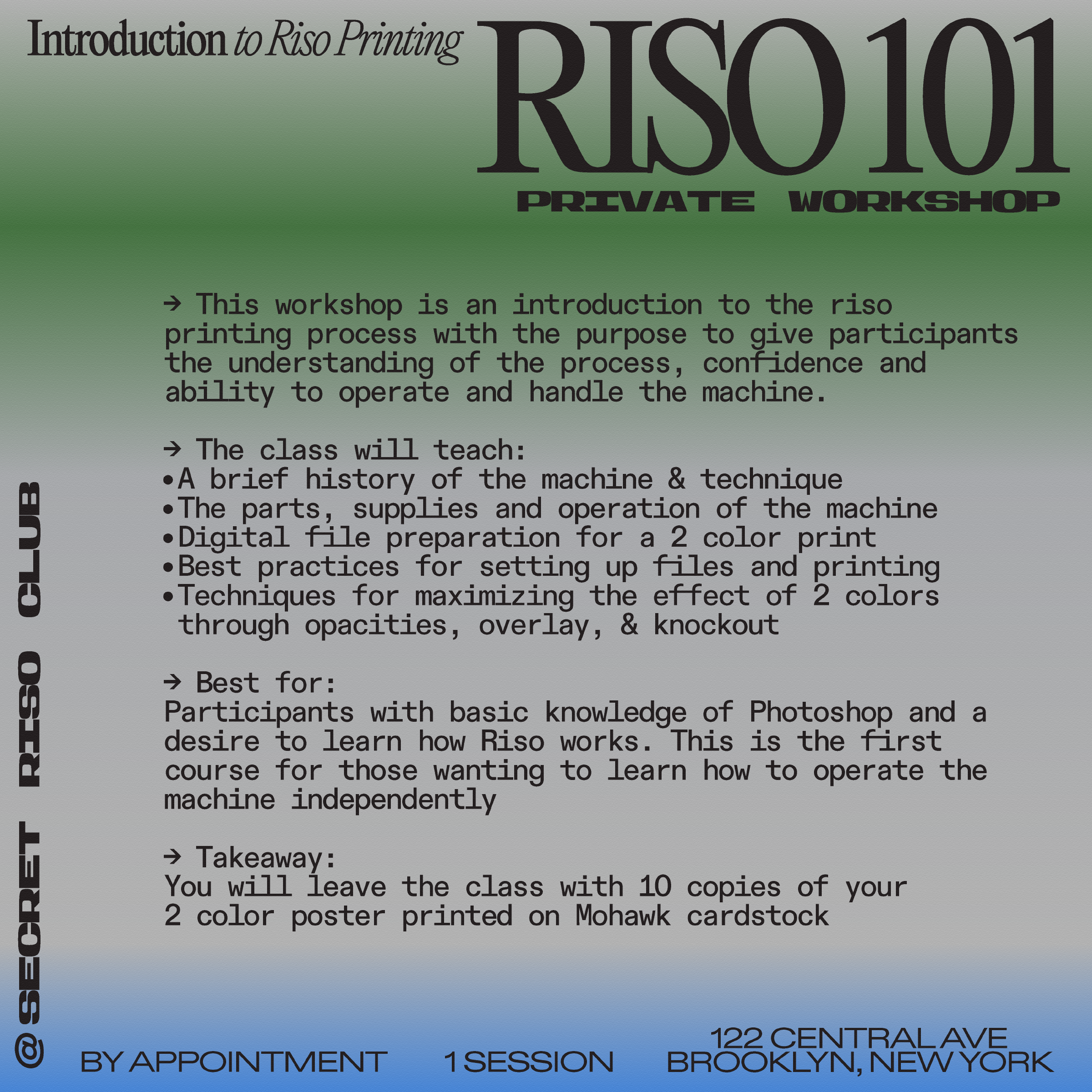
This workshop is an introduction to the riso printing process with the purpose to give participants the understanding of the process, confidence and ability to operate and handle the machine.
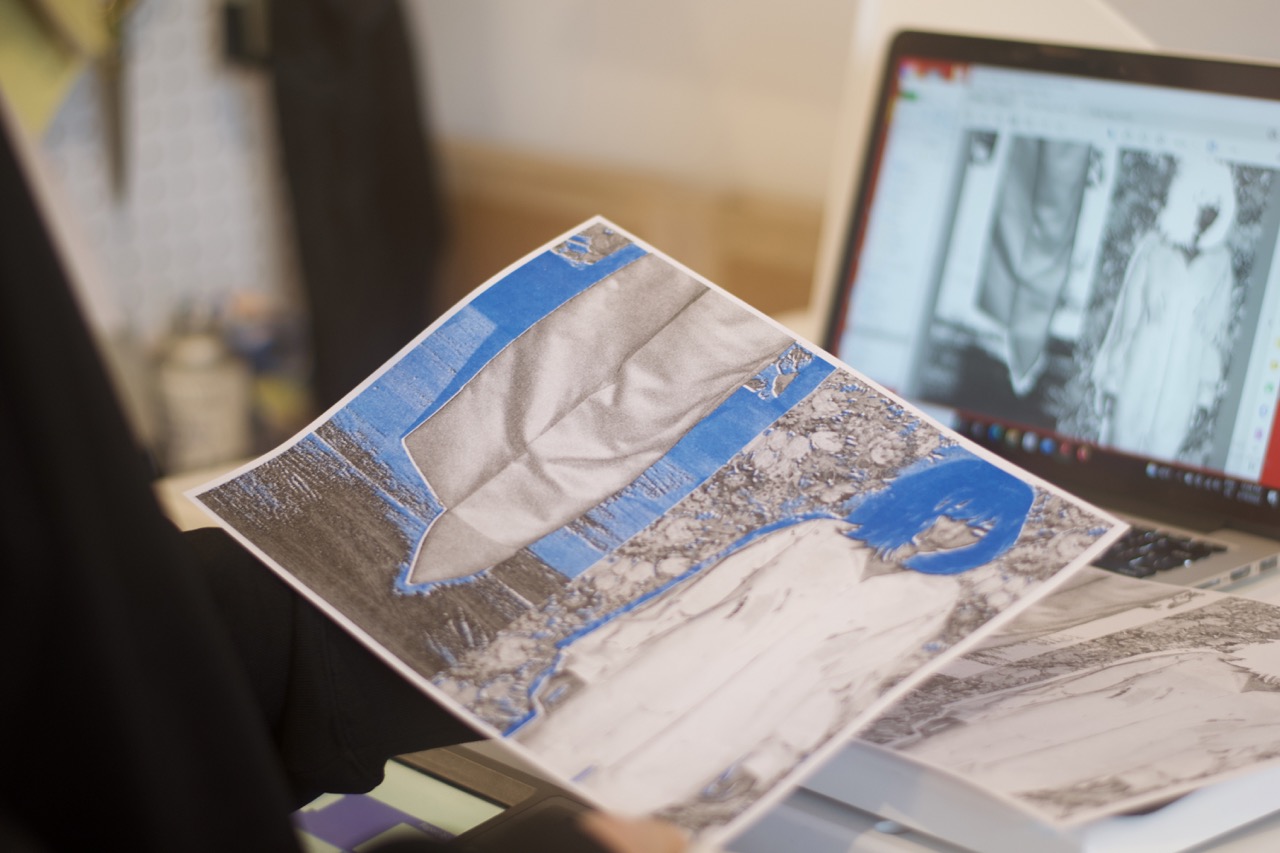
Risograph printing gives its users the means to produce their own art prints, books and zines with a unique vibrant and textural printing style. While Riso was originally intended for document printing, you’ll learn how to push the printing technique to create printed matter that stands out. This course is for designers, artists and creatives who value producing their own work from start to finish.
The class will teach:
Best for:
Participants with basic knowledge of Photoshop and a desire to learn how Riso works. This is the first course for those wanting to learn how to operate the machine independently.
Takeaway:
You will leave the class with 10 copies of your 2 color poster printed on cardstock paper.
Risograph printing gives its users the means to produce their own art prints, books and zines with a unique vibrant and textural printing style. While Riso was originally intended for document printing, you’ll learn how to push the printing technique to create printed matter that stands out. This course is for designers, artists and creatives who value producing their own work from start to finish.
The class will teach:
- A brief history of the machine & technique
- The parts, supplies and operation of the machine
- Digital file preparation for a 2 color print
- Best practices for setting up files and printing
- Techniques for maximizing the effect of 2 colors through opacities, overlay, & knockout
Best for:
Participants with basic knowledge of Photoshop and a desire to learn how Riso works. This is the first course for those wanting to learn how to operate the machine independently.
Takeaway:
You will leave the class with 10 copies of your 2 color poster printed on cardstock paper.
All materials are provided for analog version. Please bring a laptop with Photoshop, or any software that can work with layers for digital file-prep. Email workshops@secretrisoclub.com for any questions.
Suitable for newcomers & a bit beyond.
Bookings are non-refundable.
Fee applies for date changes unrelated to COVID.

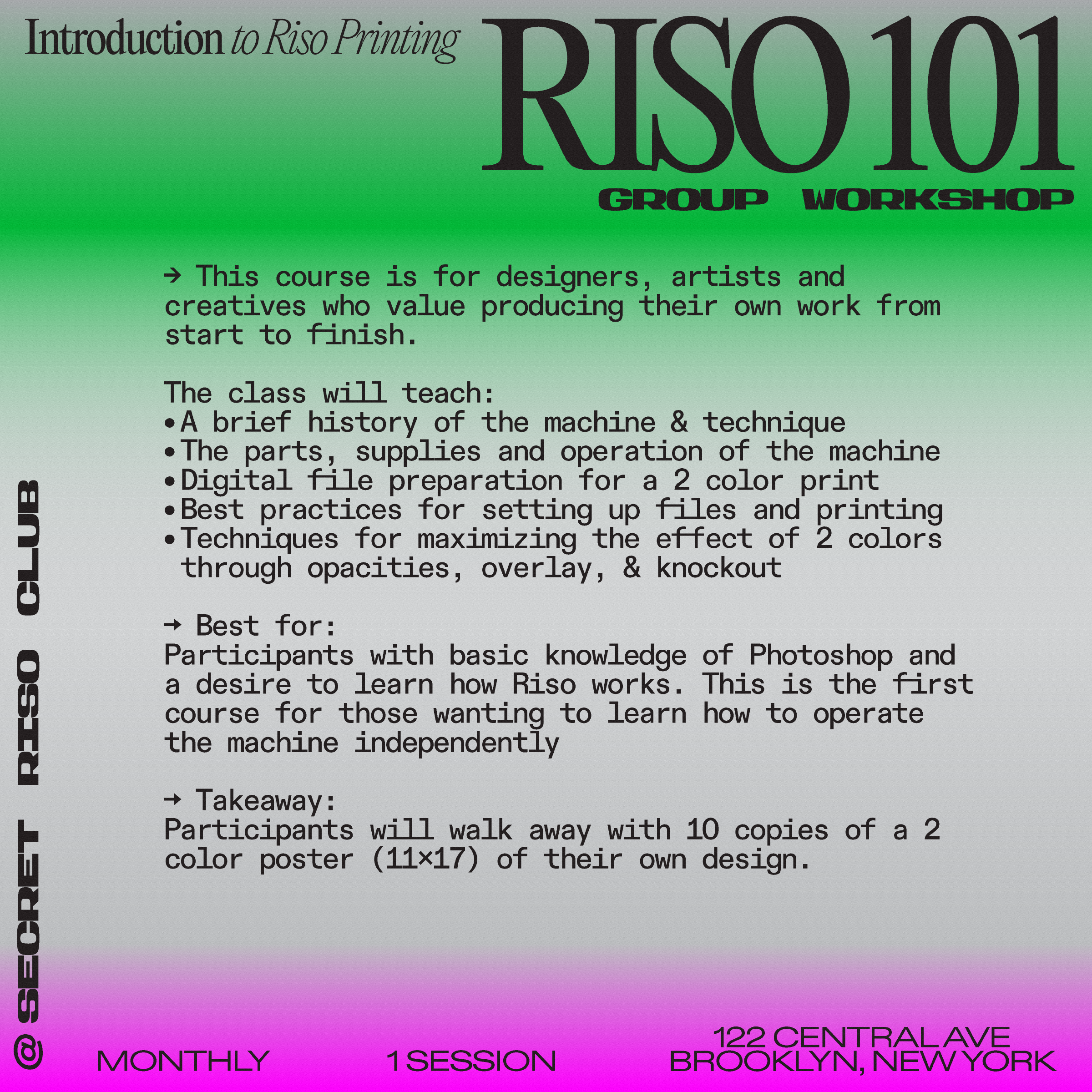
RISO 101: Intro to Riso Printing
Group Workshop
Dates (choose one session)
Dates (choose one session)
Locations:
122 Central Ave
Brooklyn, NY 11221
︎ Start Time: 1pm
Duration: 4 hrs
Risograph printing gives its users the means to produce their own art prints, books and zines with a unique vibrant and textural printing style. While Riso was originally intended for document printing, you’ll learn how to push the printing technique to create printed matter that stands out.
This course is for designers, artists and creatives who value producing their own work from start to finish.
The class will teach
Best for: Participants with basic knowledge of Photoshop and a desire to learn how Riso works. This is the first course for those wanting to learn how to operate the machine independently
Takeaway: Participants will walk away with 10 copies of a 2 color poster (11x17”) of their own design.
All materials included.
Please arrive on time, we cannot accommodate participants later than 20 minutes.
This course is for designers, artists and creatives who value producing their own work from start to finish.
The class will teach
- A brief history of the machine & technique
- The parts, supplies and operation of the machine
- Digital file preparation for a 2 color print
- Best practices for setting up files and printing
- Techniques for maximizing the effect of 2 colors through opacities, overlay, & knockout
Best for: Participants with basic knowledge of Photoshop and a desire to learn how Riso works. This is the first course for those wanting to learn how to operate the machine independently
Takeaway: Participants will walk away with 10 copies of a 2 color poster (11x17”) of their own design.
All materials included.
Please arrive on time, we cannot accommodate participants later than 20 minutes.
*Limited community tickets available at a discounted rate, send us an email: hello@secretrisoclub.com to enquire.
All materials are provided.
Suitable for newcomers & beyond.
Bookings are non-refundable and only rescheduable a week before class.

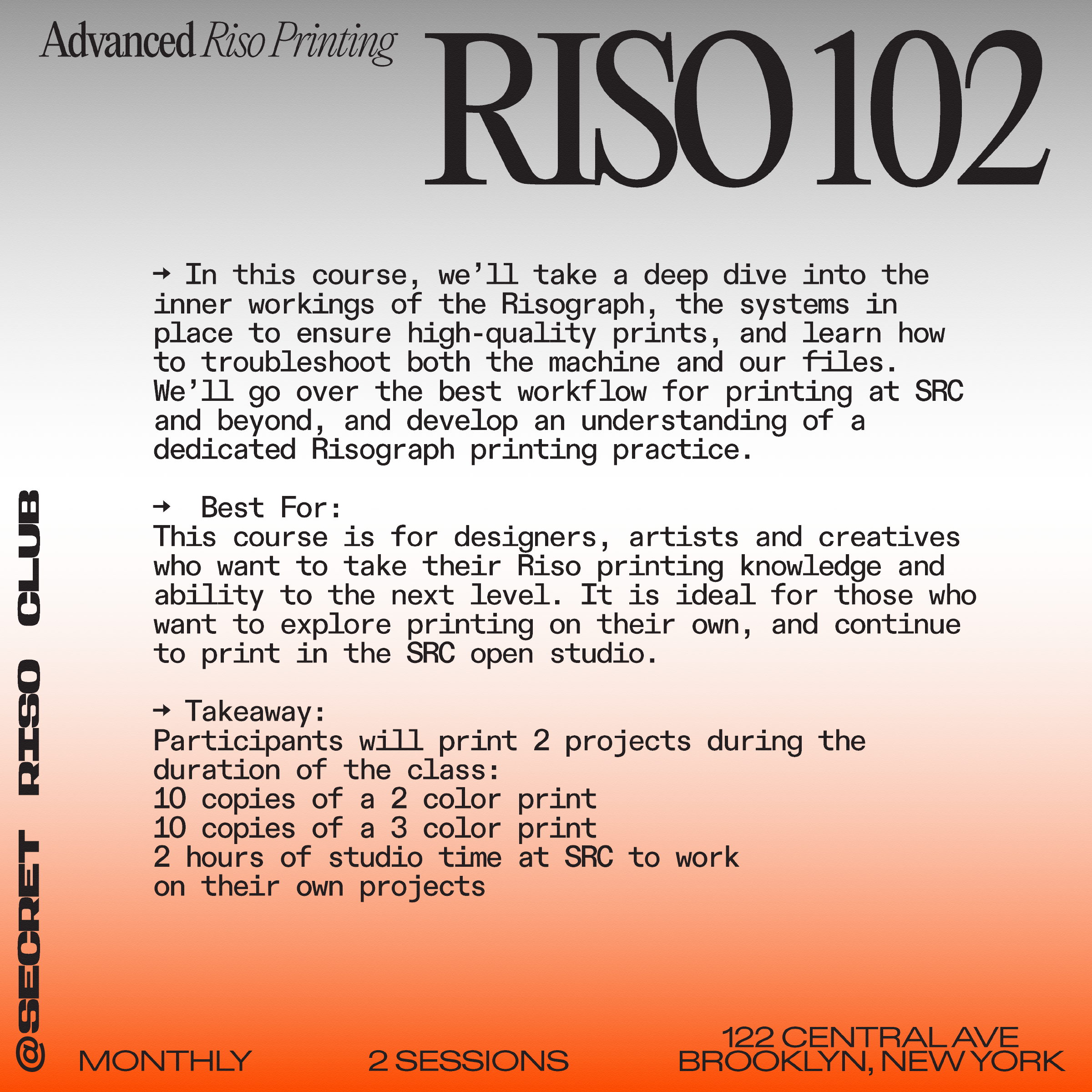
RISO 102: Advanced Riso Printing
Group Workshop
Dates (must attend both sessions)
Dates (must attend both sessions)
Dates:
Monday, March 9 & 16, 6-9pm
Monday, April 20 & 27, 6-9pm
Facilitator:
Monday, March 9 & 16, 6-9pm
Monday, April 20 & 27, 6-9pm
Facilitator:
Cold Cube Press
Location:
122 Central Ave
Brooklyn, NY 11221
Location:
122 Central Ave
Brooklyn, NY 11221
The relative ease and fast results of Risograph printing make it the perfect machine to create, iterate, and play in the studio. But for those who want to develop their skills, a more in-depth look at Risograph printing is required. In this course, we’ll take a deep dive into the inner workings of the Risograph, the systems in place to ensure high-quality prints, and learn how to troubleshoot both the machine and our files. We’ll go over the best workflow for printing at SRC and beyond, and develop an understanding of a dedicated Risograph printing practice.
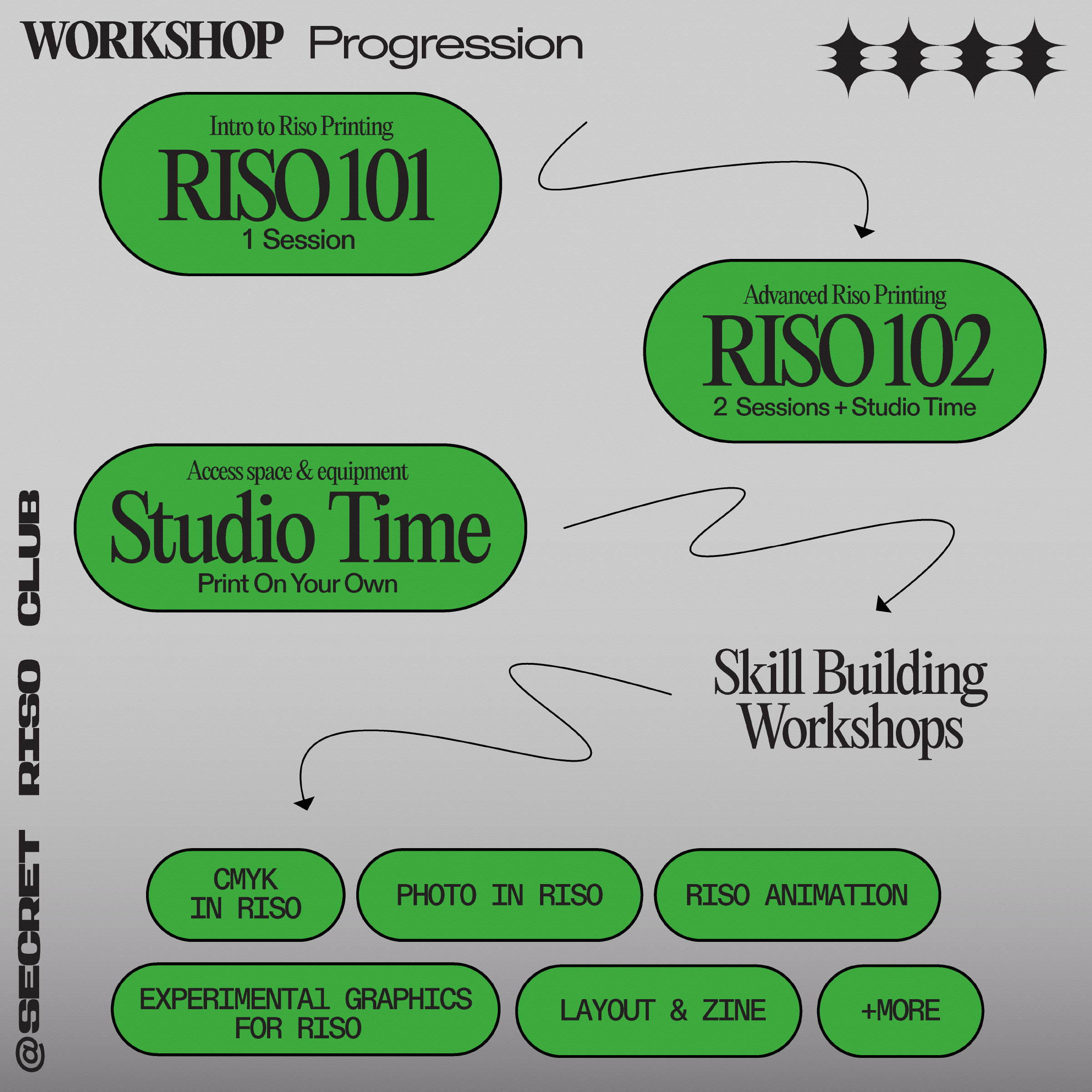
This course is for designers, artists and creatives who want to take their Riso printing knowledge and ability to the next level. It is ideal for those who want to explore printing on their own, and continue to print in the SRC open studio.
**Riso 101 within the past 6 months is required for taking 102; information covered in Riso 101 will not be thoroughly reviewed.
TL;DR:
In short, Riso 101 covers basic file preparation and an introduction to Riso printing as a practice, while Riso 102 provides students with an in-depth understanding of the practices and procedures printers need with the goal of operating the machine independently.
Riso 102 includes 2 hours of studio time at SRC ($110 value) after the class concludes.*
*Masters & paper charged separately
The class will teach:
Takeaway:
This course is for designers, artists and creatives who want to take their Riso printing knowledge and ability to the next level. It is ideal for those who want to explore printing on their own, and continue to print in the SRC open studio.
**Riso 101 within the past 6 months is required for taking 102; information covered in Riso 101 will not be thoroughly reviewed.
TL;DR:
In short, Riso 101 covers basic file preparation and an introduction to Riso printing as a practice, while Riso 102 provides students with an in-depth understanding of the practices and procedures printers need with the goal of operating the machine independently.
Riso 102 includes 2 hours of studio time at SRC ($110 value) after the class concludes.*
*Masters & paper charged separately
The class will teach:
- An in-depth look at how the Riso works, both mechanically and from the computer
- On-press printing practices to ensure reliable high-quality output
- Advanced file preparation for multi-color printing
- How to troubleshoot common printing issues, as well as any problems with files
- Best practices and studio workflow for Riso printing at SRC and elsewhere
Takeaway:
- Participants will print 2 projects during the duration of the class:
- 10 copies of a 2 color print
- 10 copies of a 3 color print
- 2 hours of studio time at SRC to work on their own projects
*Limited community tickets available at a discounted rate, send us an email: hello@secretrisoclub.com to enquire.
All materials are provided.
Suitable for newcomers & beyond.
Bookings are non-refundable and only rescheduable a week before class.

Poster Making Workshop
Riso Printing
Group Workshop
Dates (choose one session)
Dates (choose one session)
Locations:
122 Central Ave
Brooklyn, NY 11221
︎ Start Time: 1 pm
Duration: 4 hrs
$200
$200
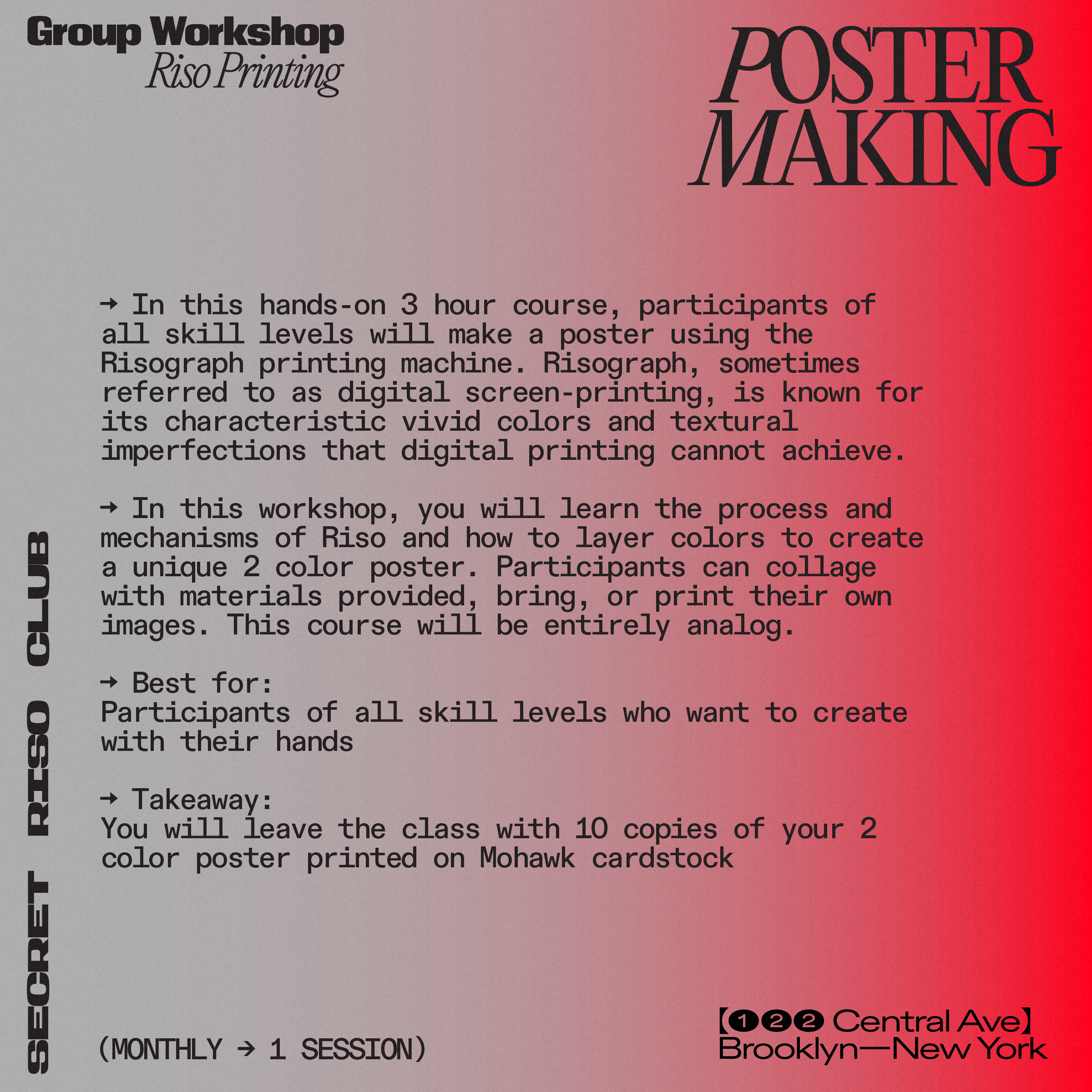
In this hands-on 3 hour course, participants of all skill levels will make a poster using the Risograph printing machine. Risograph, sometimes referred to as digital screen-printing, is known for its characteristic vivid colors and textural imperfections that digital printing cannot achieve.
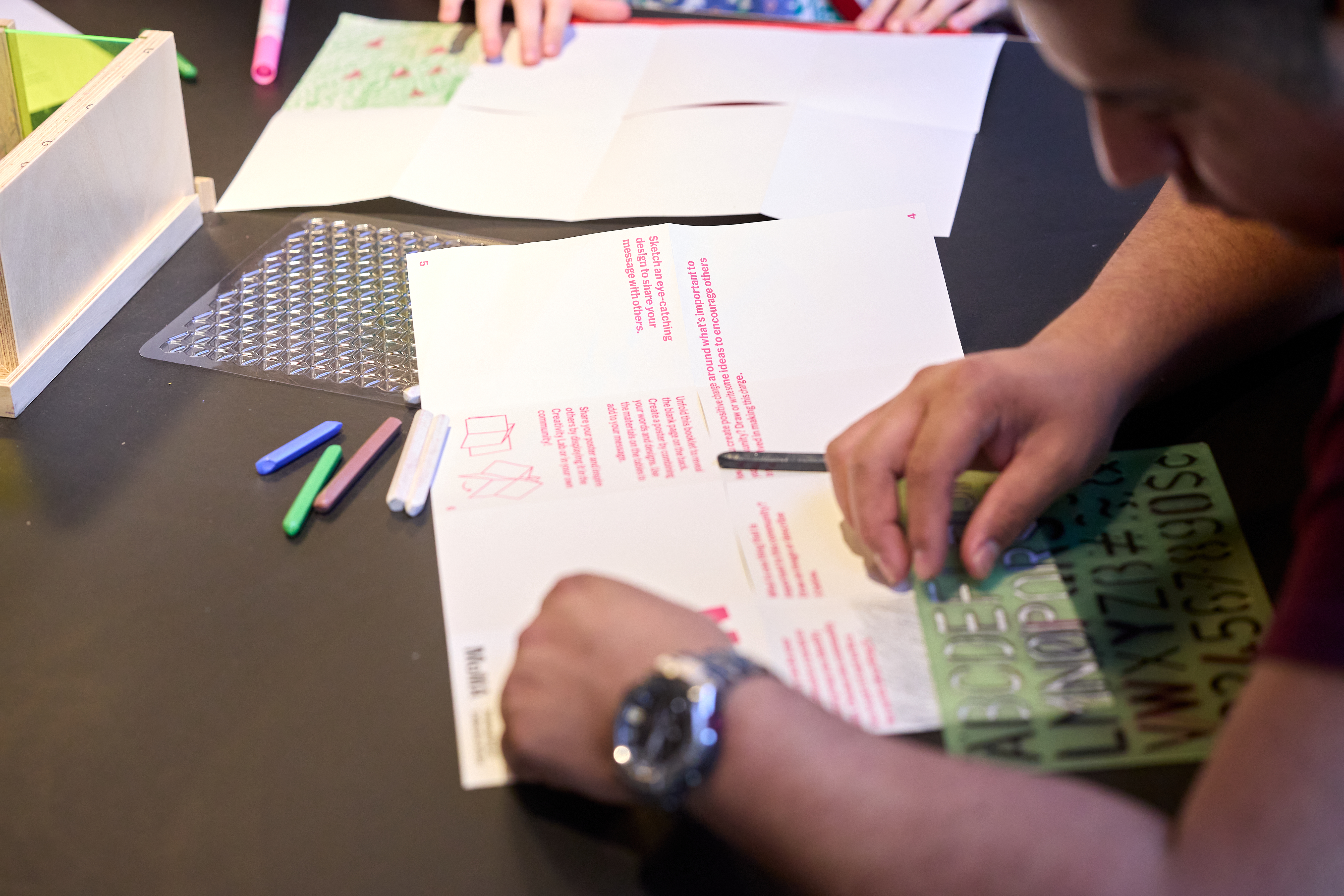
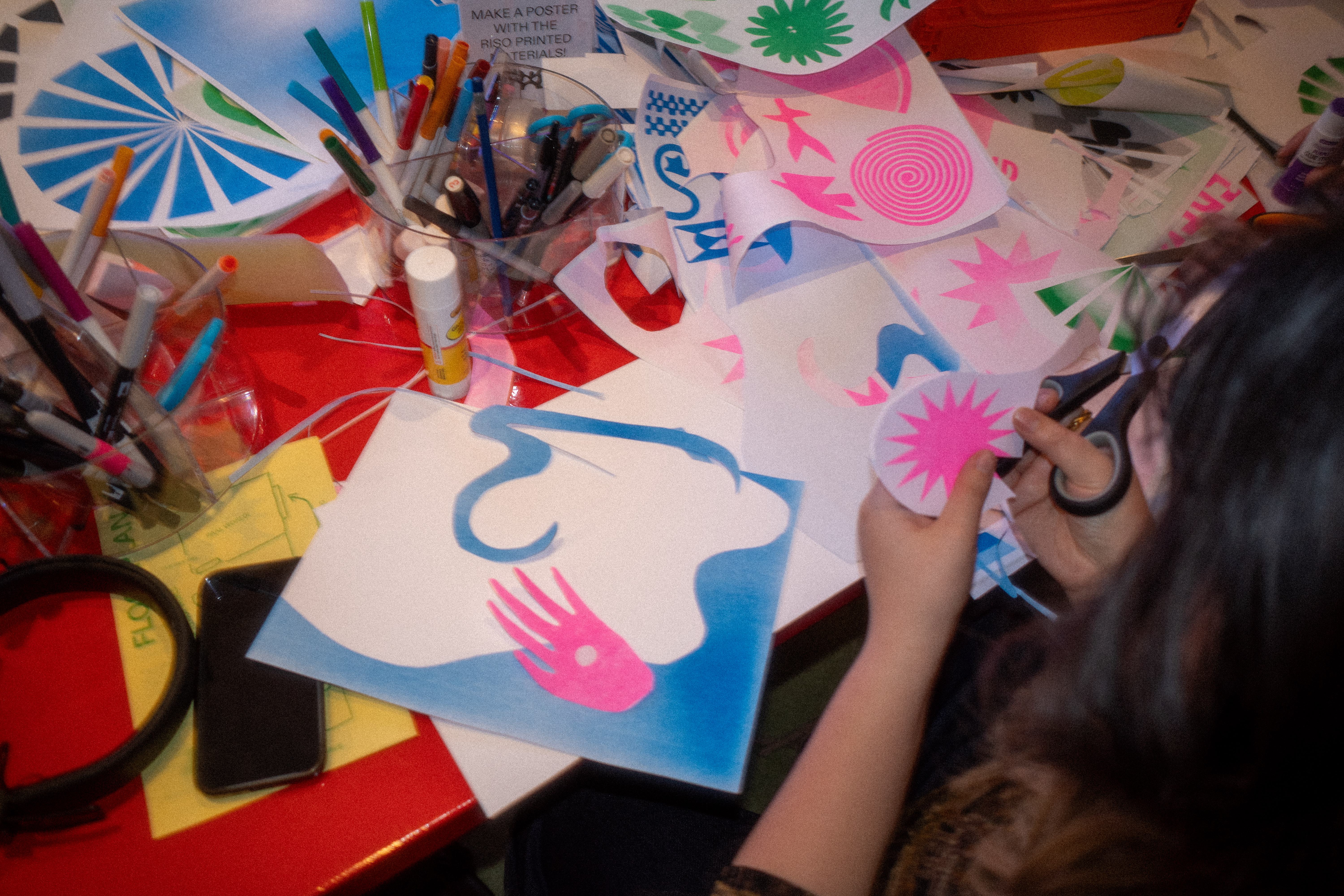
In this workshop, you will learn the process and mechanisms of Riso and how to layer colors to create a unique 2 color poster. Participants can collage with materials provided, bring, or print their own images. This course will be entirely analog.
Best for:
Participants of all skill levels who want to create with their hands
Takeaway:
You will leave the class with 10 copies of your 2 color poster printed on Mohawk cardstock
All materials included.
Please arrive on time, we cannot accommodate participants later than 20 minutes.
In this workshop, you will learn the process and mechanisms of Riso and how to layer colors to create a unique 2 color poster. Participants can collage with materials provided, bring, or print their own images. This course will be entirely analog.
Best for:
Participants of all skill levels who want to create with their hands
Takeaway:
You will leave the class with 10 copies of your 2 color poster printed on Mohawk cardstock
All materials included.
Please arrive on time, we cannot accommodate participants later than 20 minutes.
*Limited community tickets available at a discounted rate, please fill out the scholarship application to inquire.
All materials are provided.
Suitable for newcomers & beyond.
Bookings are non-refundable and only rescheduable a week before class.

Postcard Making
Riso Printing
Group Workshop
Dates (choose one session)
Dates (choose one session)
Locations:
122 Central Ave
Brooklyn, NY 11221
︎ Start Time: 12 pm
Duration: 4 hrs
$200
$200
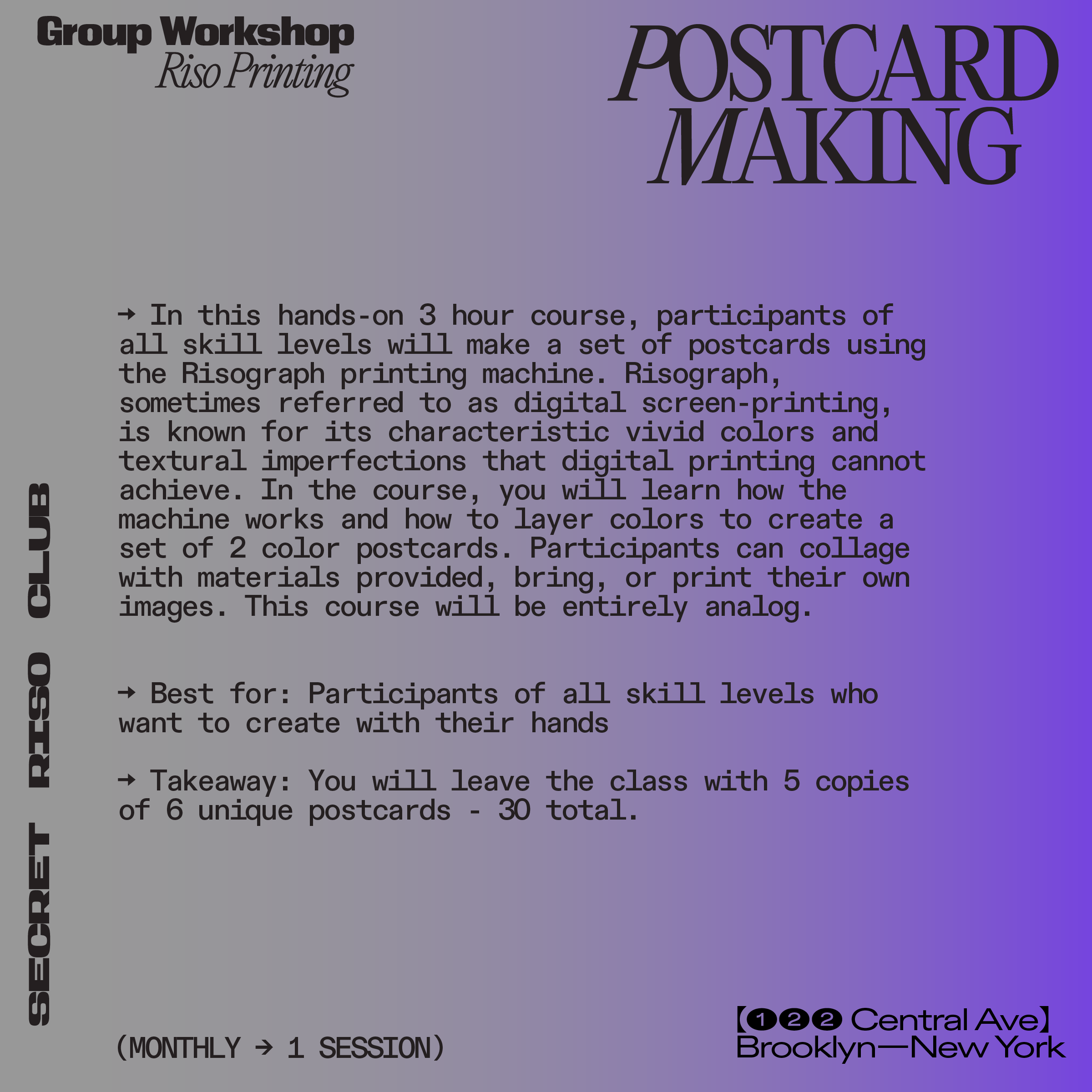
In this hands-on 3 hour course, participants of all skill levels will make a set of postcards using the Risograph printing machine. Risograph, sometimes referred to as digital screen-printing, is known for its characteristic vivid colors and textural imperfections that digital printing cannot achieve. In the course, you will learn how the machine works and how to layer colors to create a set of 2 color postcards. Participants can collage with materials provided, bring, or print their own images. This course will be entirely analog.
Best for: Participants of all skill levels who want to create with their hands
Takeaway: You will leave the class with 5 copies of 6 unique postcards - 30 total.
All materials included.
Please arrive on time, we cannot accommodate participants later than 20 minutes.
Best for: Participants of all skill levels who want to create with their hands
Takeaway: You will leave the class with 5 copies of 6 unique postcards - 30 total.
All materials included.
Please arrive on time, we cannot accommodate participants later than 20 minutes.
*Limited community tickets available at a discounted rate, send us an email: workshops@secretrisoclub.com to inquire.
All materials are provided.
Suitable for newcomers & beyond.
Bookings are non-refundable and only rescheduable a week before class.